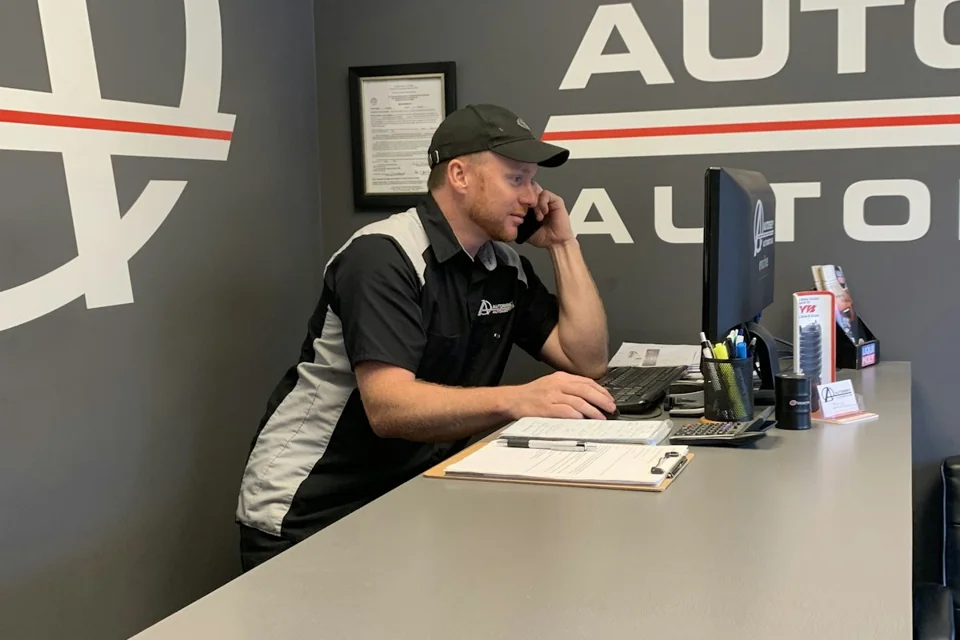
Auto repair
Get to the repair faster.
A past customer calls. Your team finds their saved car and service details. Book the next visit.

Less “Who is this?” More orders and booked work.
Answer a few easy questions. We’ll help with the rest.
Takes about 2 minutes • Free to ask
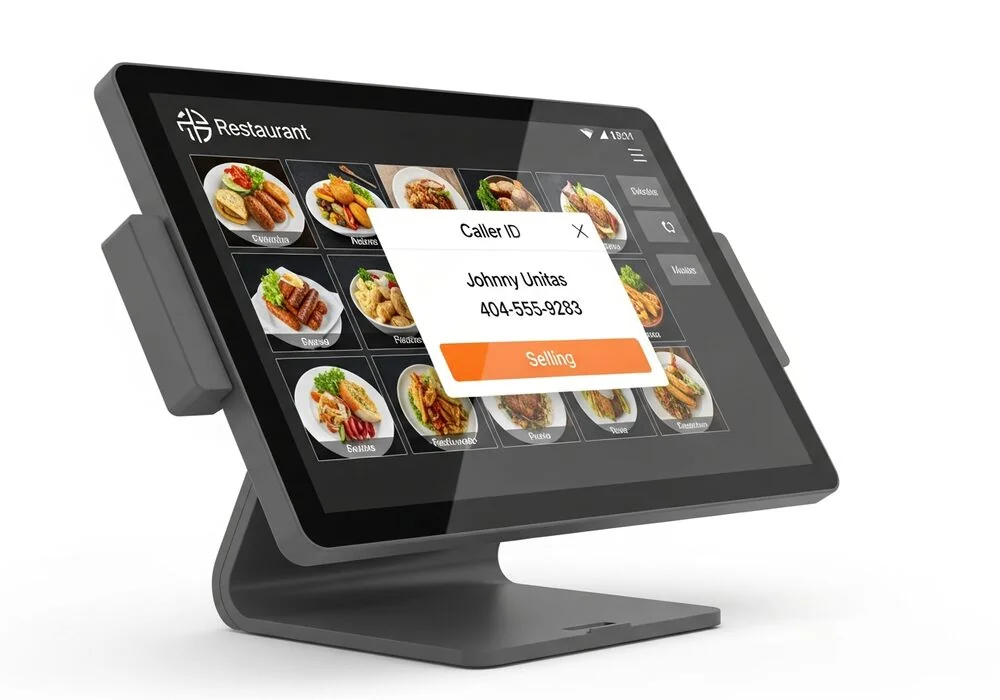 Example Linked to your customer screen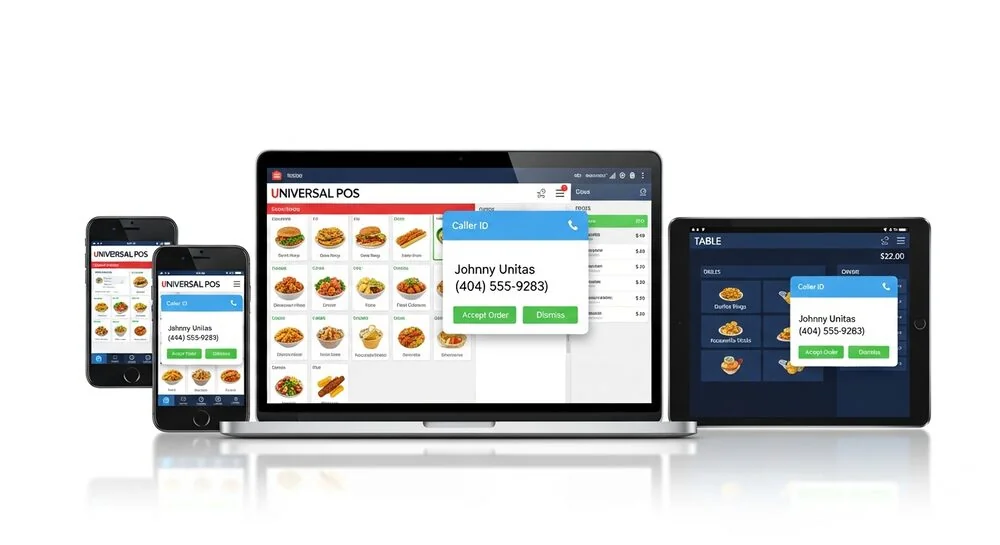
How it works
CallerID connects your business phone to the system you use for customer details.
SERVICE DESK
Waiting for a call
Your business phone
CallerID device
Ready
Example only. Photos and call stories are made up, not real customer cases. Your screen may differ.
See if it works for youWhat you can see depends on the system you use and the details saved in it.
Before and after
Before CallerID
With CallerID
Works when the customer is already saved in your system.
Why it helps
See when a past customer calls.
Stop asking for what you already have.
Move to the order, visit, or appointment.
Start with useful details in front of you.
Real businesses
A past customer calls. Your team finds their saved car and service details. Book the next visit.
A past customer calls about more work. Your office finds their address, past jobs, or quote.

A regular calls to order. Your team finds their saved details. Less back and forth.
These examples depend on what your current system can show.
Run a different kind of business? We can help you see if CallerID works for you.
Getting started
A few quick questions about your phones and customer details.
Our team checks your setup and finds the right device.
With a supported setup, bring up saved details when they call.
Our products
For businesses with traditional phone lines. It sends caller information to the system you use for customer details.
Some models can also help track call activity.
Product details and what you needHelp Me ChooseFor businesses with supported internet phone systems. It sends caller information to the system you use for customer details.
Product details and what you needHelp Me ChoosePhone cord that plugs into the wall?
Likely Whozz Calling?
Phones that run over the internet?
Likely Vertex
Not sure which one you need? That’s what we’re here for.
No need to look anything up. Choose “Not sure” if you don’t know.
Start the QuestionsQuestions
It sends caller information to the system your business uses for customer details. With a supported setup, that system can find a saved customer when they call.
A number is a start. CallerID helps connect that call to the customer details saved in your business system.
No. Past jobs, orders, and other details must already be saved in your system. What you see depends on the system you use.
No. Tell us what you know. We’ll help check the rest.
Tell us how you take calls. Our team will check your setup and explain your options.
We’ll help you choose after checking your phones and customer system.
Have a question not listed here? Get help from our team.
Find customer details faster. Give better service. Get to the next order or job.
See If It Works for My Business